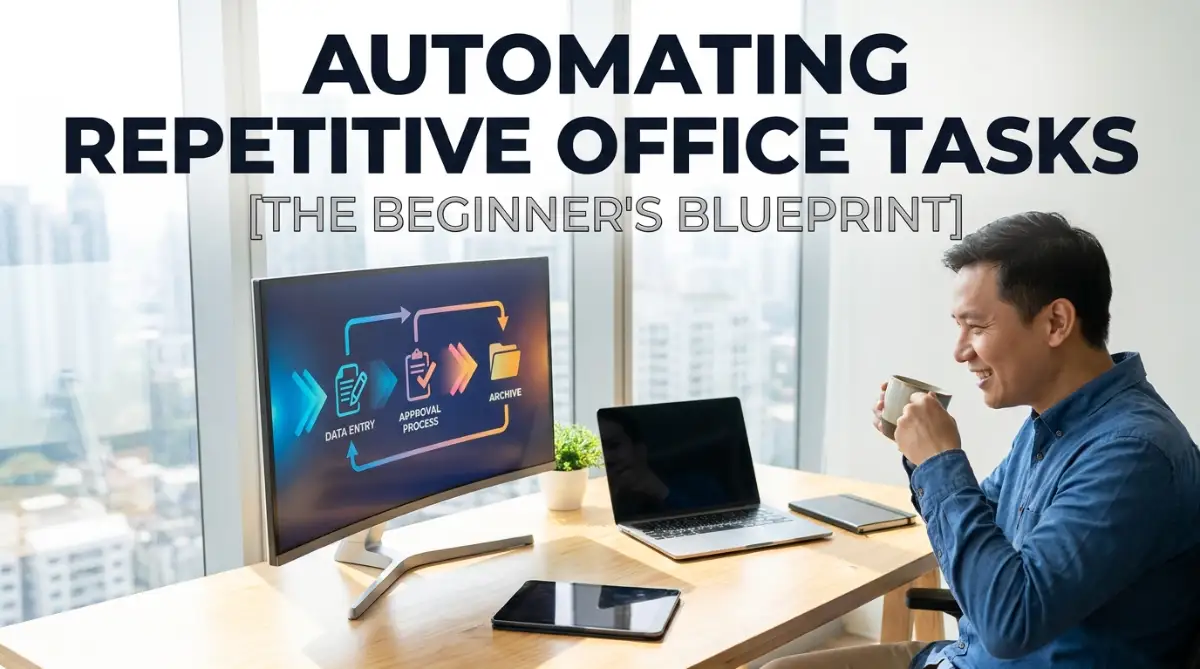
Drowning in Spreadsheets: A Personal Wake-Up Call
You know that feeling when it is 5:30 PM on a Friday, and you are staring at a massive spreadsheet, copying and pasting names one by one? Yeah, I have been there. It feels like your brain is slowly melting while everyone else is already at happy hour. Let me show you how I stopped acting like a human copy machine and actually got my free time back using a few simple tech tricks.
This is a struggle so many of us face every single day. We spend hours upon hours sorting emails, matching invoices, and moving data from one software to another. These boring chores slowly drain our energy and leave us feeling completely exhausted by lunchtime.
You know you are capable of doing brilliant, meaningful work. Yet, the never-ending pile of daily administrative chores keeps holding you back. It feels like you are running on a treadmill, sweating hard but never actually moving forward.

Your 60-Second Action Plan:
- Spot the trap: Find that one boring copying task you absolutely hate doing every morning.
- Draw a map: Write down the exact steps you take to finish it on a sticky note.
- Build a bridge: Use a free drag-and-drop tool to connect your email to your spreadsheet.
- Keep the leash: Always test it first, and never let it send out messages without your final human approval.
The Smart Way Out: Letting Machines Do The Heavy Lifting
For the longest time, I believed that artificial intelligence was only for massive tech companies with huge budgets. I thought you needed a computer science degree just to understand how it worked. But the truth is entirely different today. Modern technology has become incredibly user-friendly and accessible to regular people like you and me.
You do not need to be a programmer to make your computer work harder for you. By setting up some basic smart rules, you can easily train software to handle your most boring chores. This simple shift in how you work will give you back hours of free time every single week.
Let us break down exactly how you can start implementing this technology today. We will look at practical, everyday methods that do not require any complicated coding skills.
Recognizing The Hidden Time-Wasters In Your Day
Before you can fix a problem, you need to clearly understand what is actually broken. Most of us do these boring chores so automatically that we do not even notice how much time they steal. You might think it only takes five minutes to manually sort an invoice.
But when you do that fifty times a week, you are losing hours of your life. The very first thing you must do is take a hard look at your daily routine. Grab a notebook and start tracking everything you do for just three days.
Write down every single time you find yourself copying text, moving files, or sending the exact same type of email. You will be absolutely shocked by the patterns you discover. These repetitive patterns are exactly what smart software loves to handle.
Machine learning thrives on patterns. If a task requires you to follow the exact same logical steps every time, it is the perfect candidate for automation.
Watch how this simple shift in mindset can save you hours of repetitive work each week!
Myth vs Reality: Breaking Your Fear of AI
Many office workers feel a bit nervous when they hear the words "machine learning". They worry that setting up these systems will be too difficult, or worse, that the technology will replace their jobs. Let us clear up some of these common misunderstandings right now.
As you can see, the goal is not replacement. The goal is empowerment. You are essentially hiring a digital assistant that works for free in the background while you focus on the important stuff.
My own experience completely changed when I stopped looking at technology as a threat. Once I started treating my computer as a helpful partner, my daily productivity went through the roof.
I suddenly had time to actually talk to my clients and plan long-term strategies. The stress headaches disappeared, and I actually started enjoying my job again.
Step 1: Auditing Your Daily Office Workload
You cannot automate everything all at once, and trying to do so will only cause massive confusion. We need to start small and build our confidence slowly. Look at the list of chores you wrote down during your three-day tracking period.
We are looking for tasks that have very clear, strict rules. For example, if you always move emails from a specific client into a specific folder, that is a rule-based chore. If you always download attachments with the word "Invoice" and save them to a shared drive, that is also a rule-based chore.
Machine learning steps in when things get a tiny bit more complicated than simple rules. Let us say you get hundreds of customer feedback emails, and you need to sort them by "Happy" or "Angry". Traditional software cannot read emotions.
But simple text-analysis tools can easily scan those words and predict the customer's mood. This means you do not have to read every single email just to organize them. You can focus your energy solely on replying to the unhappy customers quickly.
Start by picking just one simple chore that annoys you the most. Do not pick your most complex business process for your first try. Pick something small, easy, and completely harmless if it breaks.
I quickly learned that trying to automate a broken or messy process only makes things worse. My first attempt was trying to automate my entire monthly financial report, and it was a complete disaster because my raw data was incredibly messy. Always organize your files and folders manually before you ask a computer to do it for you.
Step 2: Choosing The Right "No-Code" Tools
You might be wondering how you actually connect all these different software programs together. This is where "No-Code" platforms come into the picture. These are websites specifically designed for non-technical people to connect their favorite apps together.
Imagine these platforms as digital bridges. They sit in the middle of your email inbox, your spreadsheets, and your team chat apps. When something happens in one app, the bridge automatically sends a message to the other app to take action.
For instance, you can tell the platform: "When I receive an email with an attachment, send that attachment to my cloud storage, and then send me a message on my chat app." You set this up once using simple visual buttons, and it runs quietly forever.
Some of these platforms even have smart features built right in. You can add a step that says, "Read the text in this image and paste it into a new spreadsheet row." That is basic machine learning in action, extracting information from a picture without you typing a single word.
There are many great beginner-friendly tools out there to explore. Look for platforms that offer free trials or basic free plans so you can experiment without spending money.
Spend an afternoon just playing around with their pre-made templates. Most of these websites already have hundreds of templates built for common office chores. You usually just have to click a few buttons, log into your accounts, and turn the system on.

Step 3: Mapping Out The Logic With A Flowchart
Before you click any buttons in your new software, you need a clear map. Grab a blank piece of paper and a pen. We are going to draw a simple picture of how your chore actually works from start to finish.
Write down the "Trigger". A trigger is the exact event that starts the entire chore. It could be receiving a new message, an upcoming meeting on your calendar, or a new row added to a spreadsheet.
Next, draw an arrow pointing to the "Action". The action is what you want the computer to do automatically. Do you want it to send an automatic reply? Do you want it to create a new task in your project management tool?
Sometimes, you might need a "Condition" in the middle. A condition is a simple yes or no question. For example, "Is the invoice amount greater than five hundred dollars?"
If the answer is yes, the system sends it to your manager for approval. If the answer is no, it just records it in your budget sheet. Drawing this out on paper first prevents so much confusion later on.
My Go-To Automation Cheat Sheet:
- Trigger: I get an email with a receipt attachment.
- Condition: Is it from a recognized software vendor?
- Action: Save the PDF to my Google Drive and ping me on my chat app.
- Why this works: You do not have to think about it. It just happens in the background while you drink your coffee.
It helps you see the invisible steps you might have forgotten about. Computers are incredibly smart, but they do exactly what you tell them to do. If you forget a step in your paper map, the software will forget it too.
Real-Life Scenario: The Magic of Automated Invoicing
Let us look at a practical example of how this entirely transforms an office. Think about Sarah, an office manager who used to spend every Monday morning processing vendor bills. She would download PDFs, open her accounting software, and manually type in the date, name, and total amount.
This manual data entry took her roughly four hours every single week. She was bored, her eyes hurt, and occasionally she would make a typo that caused big accounting problems. Then she decided to implement a smart document reader.
Now, when a bill arrives in her inbox, the system automatically recognizes it. It uses basic pattern recognition to find the total amount, even if the bill looks different from the others. It extracts the date, the vendor name, and the total cost instantly.
The system then creates a draft entry in her accounting software. All Sarah has to do on Monday morning is log in, review the drafts for five minutes, and click approve. She turned four hours of mind-numbing work into a five-minute coffee break task.
She did not write any code to make this happen. She simply connected a smart reading tool to her email and her accounting software. This is the exact kind of freedom you can achieve when you start trusting digital tools.
Why Getting Started Today Matters
Every day you wait is another day lost to boring administrative chores. We often tell ourselves that we are too busy to learn something new right now. We promise that we will figure out this automation stuff next month when things slow down.
But let us be completely honest with ourselves. The office never actually slows down. There will always be another urgent project, another endless meeting, and another pile of paperwork waiting for your attention.
Taking just one hour today to set up a simple automated rule will save you hundreds of hours in the future. It is an investment in your own mental health and your professional career.
When you strip away the boring chores, you finally have the energy to do the work that actually matters. You can focus on building relationships with your clients, creating better products, or simply going home exactly at five o'clock.
Start small, stay patient with yourself, and celebrate the little victories. The first time you watch your computer do a task entirely on its own, you will feel like you just learned a magic trick. That sense of relief is absolutely worth the effort of learning a new skill.
Moving Beyond the Basics: Making Your Smart Workflows Invisible
Once you have experienced the magic of your very first automated task, you will naturally want to do more. It is an incredibly addictive feeling when you realize your computer is working hard while you are taking a coffee break. But scaling up your smart workflows requires a slightly different approach.
If you just start connecting every single app you own randomly, you will quickly create a messy digital web. You need to think like a professional architect designing a smart home. Every single rule and connection must have a clear, specific purpose.
One of my favorite advanced strategies is called "Conditional Routing". Instead of just sending all incoming invoices to one boring folder, you teach the system to read the numbers. If the system sees an invoice over one thousand dollars, it sends a direct message to your manager's phone.
If the invoice is under fifty dollars, it automatically files it away and logs it into your budget sheet. You are essentially giving the machine a set of logical human rules to follow. This is highly similar to how artificial intelligence is transforming healthcare diagnostics by filtering out basic issues so doctors can focus on serious emergencies.
You can apply that exact same diagnostic filtering to your daily email inbox. By training the software to recognize specific keywords, it can separate angry customer complaints from general spam. You then wake up to an inbox that is already prioritized for you.
Treating Your Data Like Liquid Gold
Machine learning heavily relies on the quality of the information you feed it. If you feed the software messy, disorganized text, it will give you messy, confusing results. We call this the "garbage in, garbage out" rule in the technology world.
Before you try to automate your weekly sales reports, you must ensure your team is typing names and numbers correctly. Consistency is the absolute secret ingredient to making these tools work flawlessly. If one person types "United States" and another types "US", the software might get confused.
To fix this, you should set up strict drop-down menus in your company forms instead of open text boxes. This forces everyone to use the exact same format every single time. When you standardize your team's input, the smart tools can process thousands of files without a single hiccup.
Top researchers at the MIT Sloan School of Management often highlight that successful companies spend more time cleaning their data than picking their software. You have to build a solid foundation first. Think of it as organizing your kitchen perfectly before you hire a professional chef to cook for you.
Measuring Your Automation Success Properly
How do you actually know if these new systems are helping your business grow? You cannot just guess if you are saving time; you need hard numbers to prove it. I always recommend keeping a simple tracking sheet for the first few weeks.
Write down exactly how many hours a specific chore used to take you manually. Then, track how much time you spend checking the automated version of that same chore. The difference between those two numbers is your total gained freedom.
Quick Reality Check: Is it actually worth the effort?
Let us say a manual task takes you 15 minutes a day. That is about 65 hours a year. If it takes you 2 hours to build an automated rule for it today, you are literally buying back over 60 hours of your life this year alone. That is a massive return on your time.
This tracking mindset is just like keeping an eye on your proven metrics to measure CAC and LTV in marketing. You want to ensure the energy you spend setting up the tool is actually returning a massive profit in time saved. If an automated rule takes two hours to maintain every week but only saves you one hour, you need to turn it off.
The "Human in the Loop" Strategy
Here is a massive insider secret that many tech companies will not openly tell you. You should never let a machine run entirely on its own without supervision. You always want to keep a "Human in the Loop" for the final approval stage.
Let the software do ninety percent of the heavy lifting, like sorting, typing, and organizing. But before an email goes out to a VIP client, make sure the system drops it in a draft folder first. You want the opportunity to add a quick personal touch before hitting the send button.
This hybrid approach gives you the incredible speed of a computer combined with the emotional intelligence of a human being. It ensures you maintain high quality while still moving incredibly fast. This structured balance is often found in successful project management frameworks for software teams, where automated testing still requires a human manager's final sign-off.

The Dark Side of Rushing: Traps That Will Break Your Spirit
I need to have a very honest conversation with you about what happens when this goes wrong. I have seen incredibly smart people completely break down because their automation turned into a nightmare. They tried to run before they even knew how to walk.
When you give a computer permission to act on your behalf, it will do exactly what you say, incredibly fast. If you accidentally tell it to delete every email with the word "Invoice", it will wipe them out in three seconds. The panic that sets in when you realize a robot just destroyed your files is absolutely terrifying.
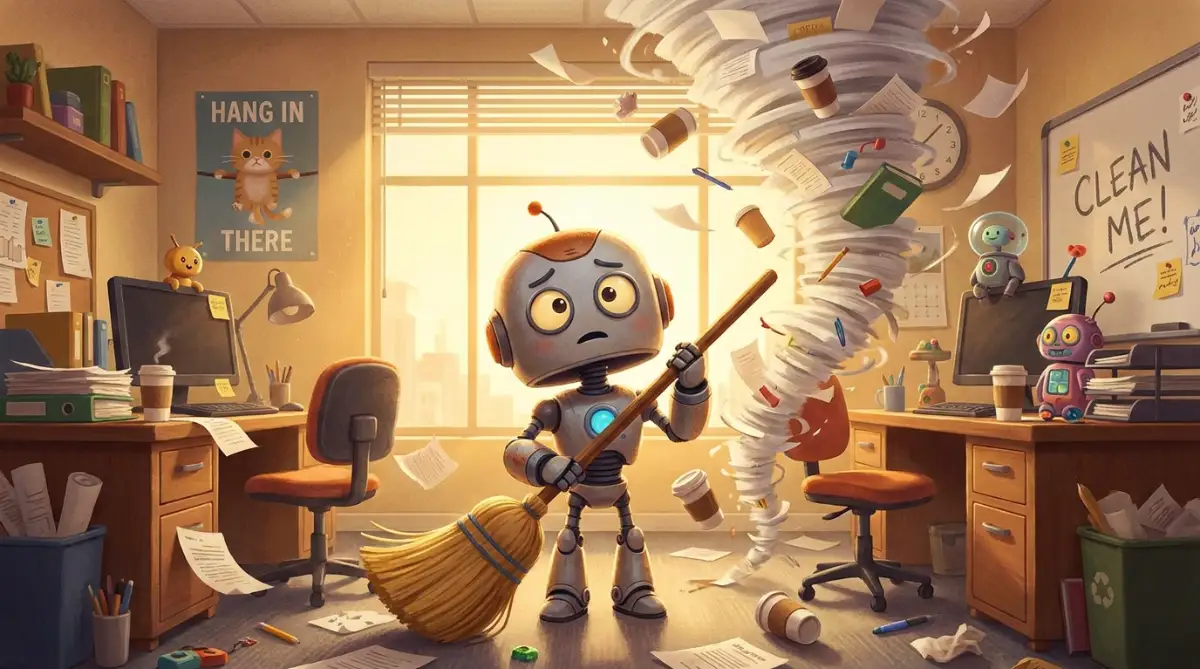
One of my closest friends once tried to automate his entire customer onboarding sequence in a single afternoon. He skipped the testing phase completely because he was so excited to go home early. The next morning, he woke up to find that the software had emailed the exact same welcome message to a premium client fifty times in a row.
Automating a Broken Mess
This is perhaps the single most dangerous mistake you can ever make in your career. If your current manual process is confusing, slow, and full of errors, automating it will not fix it. It will simply make those errors happen at lightning speed.
Imagine you have a leaky pipe in your bathroom. Automating a broken process is like buying a stronger water pump instead of fixing the hole in the pipe. You are just going to flood your house much faster.
Before you introduce any smart tools, you must sit down and manually clean up your messy habits. You cannot expect a machine to understand a filing system that even you do not understand. A disorganized business will quickly lose customer trust, and it is incredibly hard to build a brand on a tight budget when your automated emails look like spam.
The Trap of Over-Engineering Simple Tasks
Sometimes we get a little too obsessed with technology for our own good. I have caught myself spending three whole days trying to automate a chore that only takes me five minutes a month to do manually. This is a massive waste of human energy and company resources.
According to workplace psychology experts at the Harvard Business Review, over-engineering simple tasks often comes from a false sense of productivity. We feel like we are doing important technical work, but we are actually just avoiding our real responsibilities. You must learn to draw a strict line between helpful tools and unnecessary digital toys.
If a task only happens once a month and takes two minutes, just do it yourself. Save the heavy technology for the daily, mind-numbing chores that actually drain your mental energy. Keep your digital workspace as simple and clean as humanly possible.
Your Monday Morning Action Plan: Reclaiming Your Freedom
We have covered a massive amount of ground today, and I know it might feel a little overwhelming right now. But I want you to take a deep breath and look at how exciting this new reality is. You are literally standing at the edge of a completely new way of working.
You no longer have to accept a career filled with robotic copying, pasting, and endless sorting. The tools are ready, they are highly accessible, and they are waiting for your instructions. All you need is the courage to map out your first simple workflow.
Think about adopting a flexible, growth-oriented mindset as you start this journey. Just like companies use agile methodologies to skyrocket remote startup growth, you should treat your own daily habits as an exciting experiment. Try a new tool, see if it saves you time, and if it fails, just turn it off and try another one.
A Quick Checklist for Tomorrow
Do not try to change your entire life tonight. When you sit at your desk tomorrow morning, I want you to follow this incredibly simple checklist.
- Find One Annoyance: Pick the single most boring, repetitive thing you have to do before lunch.
- Write the Steps: Grab a sticky note and write down the exact three or four clicks required to finish it.
- Search for a Template: Open a beginner-friendly platform and search for a pre-made template that matches your sticky note.
- Test it Once: Run the tool on a dummy file or a test email to make sure it acts correctly.
If it works, you have just officially bought back a tiny piece of your life. That tiny piece will turn into hours, and those hours will turn into entire days of recovered time. You are stepping out of the role of a busy worker and stepping into the role of a smart manager.
When I finally let go of my fear and allowed these simple tools to handle my daily chores, my entire career transformed overnight. I sincerely hope you take that first brave step tomorrow morning, because you absolutely deserve to enjoy your work again.
Questions You Might Still Have About Office Automation
Do I need an expensive or powerful computer to run these smart tools?
Not at all! Almost all of these modern automation platforms run entirely in your web browser through the cloud. As long as you have a stable internet connection and a standard web browser, you can easily set up and run these systems.
Will my company data be safe if I let outside software read my emails?
Security is a very valid concern, which is why you must only use highly trusted, mainstream platforms. These big companies use bank-level encryption to protect your data, but you should always ask your IT department for permission before connecting company accounts.
How much money does it actually cost to start automating my office?
You can actually start for completely free today. Most major platforms offer a generous free tier that allows you to run around a hundred simple automated tasks per month. You only need to pay a small monthly subscription when you start saving massive amounts of time.
What if the software makes a huge mistake and deletes my important files?
This is why testing is so incredibly important for beginners. You should always set up your first few automations using "copy" commands rather than "delete" or "move" commands. Keeping a human in the loop for final approvals ensures that catastrophic mistakes never happen.
Can this technology help me if I work in a non-technical field like HR or Sales?
Absolutely, in fact, those departments often see the biggest benefits! HR teams use it to automatically sort hundreds of resumes and schedule interviews instantly. Sales teams use it to automatically log phone calls and send friendly follow-up emails without touching a keyboard.
Disclaimer: The information provided in this article is for educational and informational purposes only and does not constitute formal technical or professional IT advice. While every effort has been made to ensure accuracy, software features and platform security policies change frequently. Always consult with your company's IT department or a qualified security professional before integrating third-party tools into your business network. We are not responsible for any data loss or operational issues resulting from the implementation of these strategies