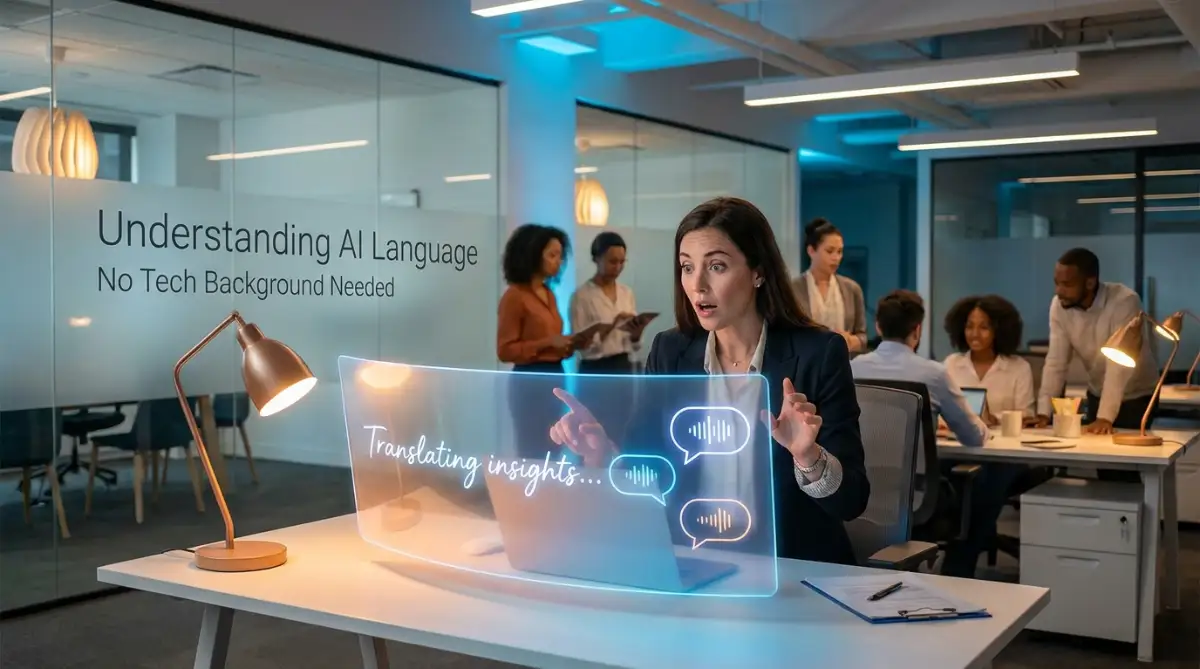
Confused By Tech Jargon? You Are Not Alone
Have you ever sat in a meeting where everyone is throwing around big tech words, and you just nod along hoping nobody asks for your opinion? Yeah, me too. I used to secretly Google those buzzwords under the table just to survive the afternoon. The good news is, you really do not need a computer science degree to understand how smart machines work. Let's strip away all the confusing jargon and look at what is actually happening behind the screen.
In reality, my mind was spinning, and I felt entirely out of place in my own office. I went back to my desk, opened Google, and silently typed in the exact questions I was too embarrassed to ask out loud. That was my deeply frustrating introduction to this whole confusing world of computer intelligence.
Everyday professionals face this exact same anxiety when dealing with modern technology. You sit in meetings, read industry blogs, or talk to software vendors, and suddenly you feel like you are listening to an alien language. It is incredibly overwhelming to feel left behind while everyone else seems to grasp these concepts effortlessly.
You do not need an engineering degree to understand how modern computers work. The truth is, the core ideas behind these smart machines are actually very simple once you strip away the confusing vocabulary. Today, we are going to break down these barriers together.
I am going to explain exactly how machines learn to read, write, and understand us. We will walk through this step by step, using everyday examples that make complete sense.
What You Will Learn Today (The No-Nonsense Version):
- How computers chop up our sentences to figure out what we want.
- Why sarcasm completely breaks most smart machines.
- The exact reason you do not need to learn coding to use these tools.
- Simple tricks to get much better answers from automated chatbots.
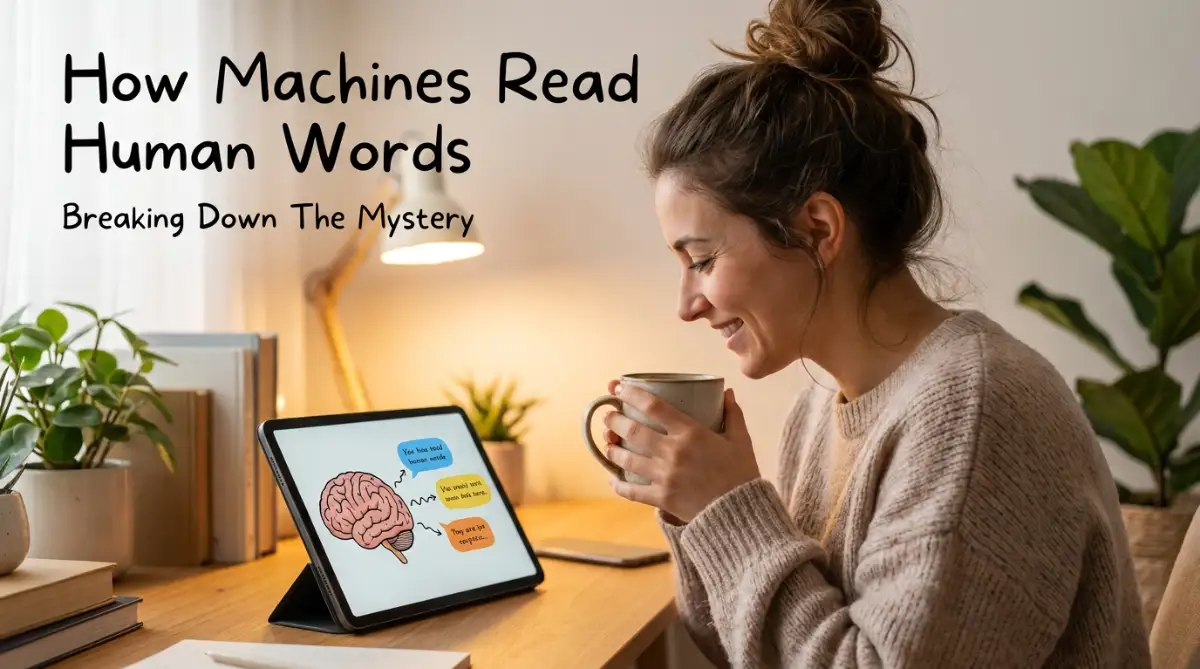
Breaking Down The Mystery: What Exactly Are We Talking About?
Imagine you are trying to teach a toddler how to speak. You point to a furry animal with four legs and say the word "dog" repeatedly. Over time, the child's brain makes a connection between that specific sound and the furry animal.
Computers go through a very similar learning process when they try to understand human words. We call this process Natural Language Processing. It is simply the technology that allows computers to read, hear, and understand human language in a meaningful way.
Without this technology, computers only understand ones and zeros. They are basically highly advanced calculators. But humans do not communicate in math; we communicate in messy, complicated, and emotional words.
This specific technology acts as a bridge between our messy human words and the computer's strict mathematical brain. It translates our normal speech into a format the machine can easily digest.
Quick Reality Check: How Smart Are They?
- What People Think: The computer reads my email and understands my feelings.
- What Actually Happens: The computer spots the word "refund," matches it with a math pattern, and spits out a pre-written apology. It is just really fast math, not magic.
The Librarian Analogy: How Machines Organize Words
To really understand how this works, think of the computer as a highly motivated but very literal librarian. If you hand this librarian a massive book, they do not just read it from cover to cover like you and I would.
First, the librarian takes a pair of scissors and cuts out every single word. They separate the sentences into tiny, individual pieces. In the software world, experts call this process "tokenization," but you can just think of it as slicing up the text.
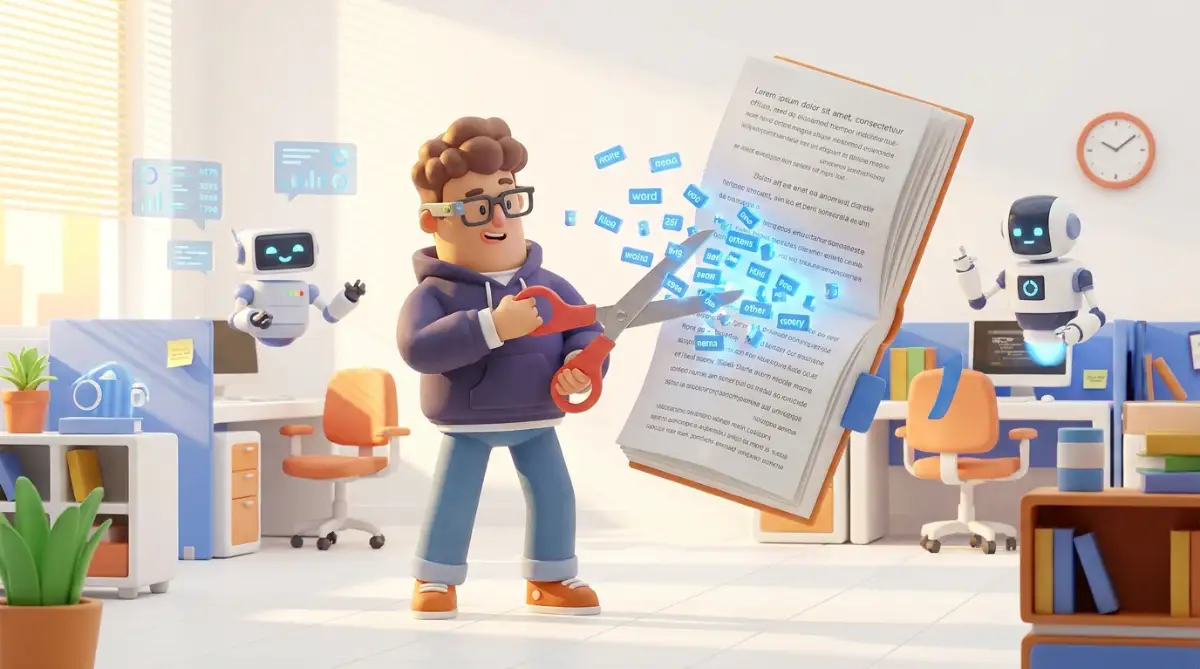
Once the text is sliced up, the librarian starts grouping similar words together. They strip away the plural endings or the past tense formats. For example, they realize that "running," "ran," and "runs" all come from the same base word.
This helps the computer simplify the enormous amount of information it just received. By breaking down the complex grammar rules, the machine can finally start to see the basic meaning behind your sentence.
This brings me to a very personal realization I had during my own learning journey.
My biggest mistake was assuming computers actually "think" about words the way humans do. I finally realized that machines are just recognizing mathematical patterns, not feeling the emotion behind the text. Once I stopped treating the computer like a human and started seeing it as a pattern-matching tool, everything instantly made perfect sense to me.
Real-Life Scenarios You Experience Every Single Day
You might be thinking this all sounds like science fiction, but you are already using this technology right now. Let us look at a few practical examples from your daily routine.
Think about your email inbox. Every day, highly sophisticated software scans thousands of incoming messages to protect you. It reads the text, looks for suspicious patterns like "urgent wire transfer," and silently moves those messages into your spam folder.
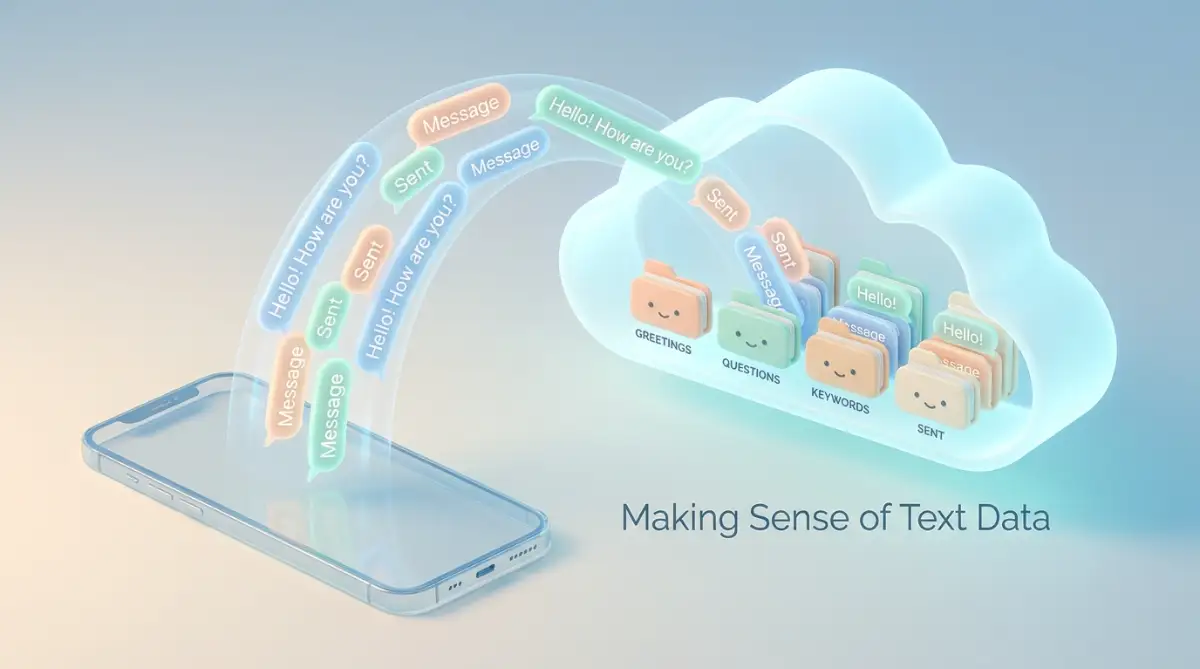
When you type a text message on your phone, you often see suggestions for the next word you want to type. Your phone has learned your personal vocabulary patterns. It is actively predicting what you want to say before you even finish typing the sentence.
Even your smart home speakers use this exact same process. When you ask for the weather forecast, the device first converts your spoken audio into written text. Then, it analyzes that text to figure out what action you want it to take.
Why Context Makes Everything So Complicated
One of the biggest challenges in teaching machines to understand us is that human language is deeply confusing. We use words that have multiple different meanings depending on how we say them.
Think about the word "bark." If we are walking in a forest, "bark" refers to the outside of a tree. If we are standing at a dog park, "bark" refers to the loud sound an animal makes. Humans understand this difference instantly because we understand the context of our location.
Computers struggle heavily with this concept. They have to look at all the surrounding words to guess which version of "bark" you mean. If the machine sees words like "leaf," "branch," and "trunk" nearby, it guesses you mean the tree.
Sarcasm is an entirely different nightmare for computers. If you drop your coffee on the floor and say, "Well, this is just a wonderful morning," another human knows you are upset. A basic computer program reads the word "wonderful" and wrongly assumes you are very happy.
The Context Cheat Sheet:
| The Word | Human Meaning | How A Machine Gets Confused |
| :--- | :--- | :--- |
| Sick | "That skateboard trick was sick!" (Awesome) | Machine thinks you need a doctor. |
| Hot | "This new song is hot." (Trending) | Machine thinks the temperature is high. |
This is exactly why companies spend millions trying to teach computers how to read the room!
Watch This Helpful Video To See It In Action
If you really want to see how these systems break down confusing sentences in real-time, this short visual breakdown is incredibly helpful.
Comparing Human Brains to Computer Brains
To make things even clearer, let us compare how we process information versus how a machine does it. This simple comparison often clears up a lot of confusion for beginners.
As you can see, both sides have distinct advantages. The computer is incredibly fast, but the human brain is still the ultimate champion of understanding actual meaning.
The Magic Behind Customer Service Chatbots
Let us explore another very common business scenario. When you visit a website and a little chat window pops up, you are interacting directly with language processing software.
In the old days, these chatbots were incredibly frustrating. They only worked if you typed the exact specific phrase they were programmed to recognize. If you made a tiny spelling mistake, the bot would completely break down.
Modern chatbots are much more forgiving and intelligent. You can type "My package never arrived," or "Where is my box," or "I am missing my delivery." The underlying system is smart enough to realize all three of these sentences mean the exact same thing.
This saves companies millions of dollars in customer service costs. More importantly, it saves you from waiting on hold for forty-five minutes just to ask a basic shipping question.
Common Myths vs Reality
There is a lot of fear and misinformation floating around about smart machines. Let us clear up some of the most common misunderstandings right now.
- Myth: These systems are going to replace human writers and communicators completely.
- Reality: Machines are tools to help us work faster, but they lack the genuine empathy and creativity that only humans possess.
- Myth: The computer actually understands the emotional pain in a sad email.
- Reality: The computer just recognizes a high volume of negative words; it feels absolutely zero emotion.
- Myth: You need to know how to write complex code to use these tools.
- Reality: Most modern language tools are built into user-friendly dashboards that anyone can operate with a few clicks.
Understanding these realities helps remove the anxiety surrounding modern software. You do not need to fear the technology when you understand its limitations.
How To Prepare For A Smarter Future
As we move forward, this technology is only going to become more common in our workplaces. The professionals who succeed will not necessarily be the ones who know how to program the software.
The most successful people will be the ones who know how to communicate clearly with these machines. Knowing how to ask the computer the right questions is becoming a highly valuable career skill.
Start paying close attention to the automated tools you already use. Notice how your email predicts your sentences, or how your search engine corrects your spelling. By observing these small daily interactions, you naturally become more comfortable with the technology.
The next time someone throws around technical jargon about computer language, you can smile confidently. You know exactly what is happening behind the scenes, and you know it is not magic. It is just a highly organized system doing exactly what it was trained to do.
Taking The Next Step: Smarter Ways To Use Machine Reading Every Day
Now that we understand how these programs slice up our sentences, it is time to look at how we can actively use this to our advantage. You do not have to be a software engineer to get incredible value out of language processing tools. In fact, some of the most creative uses come from everyday professionals who simply understand how to ask the right questions.
Let me share a very practical scenario with you. Imagine you own a small local coffee shop and you want to know what people really think about your new menu. Reading through hundreds of online reviews manually would take hours of your valuable time.
Instead, smart software can instantly scan all those reviews for you using a trick called "sentiment analysis." The machine looks for positive words like "delicious" or negative words like "cold" and groups them together. This helps you quickly see the overall mood of your customers without reading every single comment.
This simple text analysis is how smart founders build a brand on a tight budget using free or low-cost automated tools. They let the machine do the heavy reading while they focus on actually improving their products.
Becoming A Better Digital Communicator
To get the best results from these smart machines, you have to change the way you talk to them. Many beginners make the mistake of talking to a computer exactly like they would talk to a human friend. But remember our librarian analogy from earlier?
The computer librarian needs clear, direct, and structured instructions. If you ask a language model a vague question, you are going to get a very vague and unhelpful answer. You have to provide the machine with solid context.
Instead of typing, "Write me an email to my boss," you need to be highly specific. A much better instruction would be, "Write a polite and professional three-paragraph email to my manager asking for an extension on the monthly report."
Notice how that second instruction gives the machine a clear tone, a specific length, and an exact purpose. Giving clear instructions is highly beneficial for modern teams using proven project management frameworks for software teams to keep everyone aligned. The better your input, the more accurate and helpful the output will be.
The Secret Power Of Summarizing Heavy Information
One of my absolute favorite ways to use this technology is for summarizing massive walls of text. We all get those insanely long corporate emails or industry reports that we simply do not have time to read.
You can easily paste that heavy document into a language processing tool and ask it for a bulleted summary. The system will quickly strip away all the unnecessary fluff and give you the main points in seconds. This is a massive time saver for busy professionals.
This exact same summarizing technology is already making huge waves in highly complex fields. For example, artificial intelligence is transforming healthcare diagnostics by quickly reading through years of a patient's medical history to highlight specific risk factors for doctors.
If this technology is powerful enough to help doctors organize messy medical notes, it can definitely help you organize your weekly meeting summaries.
Why Intent Recognition Changes Everything
Have you ever searched for something on Google, typed the words completely wrong, and still found exactly what you were looking for? That is a perfect example of "intent recognition" at work.
The software realizes that your misspelled words were actually pointing toward a specific goal. It looks past your spelling errors to figure out what you genuinely meant to say. This makes our daily internet searches incredibly fast and forgiving.
In the business world, companies use this specific feature to route customer support tickets. If a customer emails the company saying, "My screen is cracked," the software recognizes the intent is a hardware repair. It automatically sends that email to the repair department instead of the billing department.
If you want to see how top researchers define these communication patterns, the experts at the MIT Computer Science and Artificial Intelligence Laboratory (CSAIL) have published fascinating studies on how machines predict human intent. They show that predicting intent is the core foundation of a truly helpful smart device.
Organizing Remote Work With Smart Notes
The modern workplace is highly scattered, with people working from home all over the world. Keeping track of what happens in video meetings can be a total nightmare.
This is where voice-to-text language processing becomes an absolute lifesaver. Tools can now listen to a one-hour video call, write down everything that was said, and then automatically send a summary out to the entire team.
Teams that rely on agile methodologies to skyrocket remote startup growth use these automatic summaries to track their daily progress effortlessly. Nobody has to waste time taking manual notes anymore.
Where Most Beginners Get Stuck And Frustrated
While this technology is incredibly helpful, it is certainly not perfect. Many everyday professionals dive into using smart language tools with unrealistic expectations. When the software eventually makes a silly mistake, these people get incredibly frustrated and give up on the technology entirely.
Let us walk through the most common traps people fall into. Understanding these pitfalls early will save you a massive amount of headaches down the road.
The Trap Of Blind Trust And Digital Hallucinations
The absolute biggest mistake I see beginners make is trusting the computer blindly. Because these language models sound so confident and human-like, we naturally assume everything they say is a verified fact.
However, language processing systems do not actually "know" facts the way an encyclopedia does. They are just predicting which words should naturally come next based on their training. Sometimes, they confidently generate completely fake information simply because it sounds grammatically correct.
In the tech industry, we call this strange behavior a "hallucination." The machine literally makes up a completely believable lie. Organizations like the National Institute of Standards and Technology (NIST) regularly warn businesses about the dangers of trusting automated text outputs without human verification.
You must always double-check important numbers, names, and facts generated by software. Never copy and paste automated text into an official document without reading it thoroughly first.
Losing The Human Voice In Business Writing
Another massive issue happens when people start using automated tools to write all their emails and social media posts. Very quickly, their writing starts to sound robotic, boring, and completely empty.
Machines are great at grammar, but they are terrible at showing genuine human empathy. If you use a computer program to write an apology email to an upset customer, the customer will almost always sense that a robot wrote it. It will lack the warmth and understanding that only a real person can provide.
Your personal voice is your strongest asset in the professional world. The American Psychological Association (APA) frequently notes that authentic emotional connection is what truly drives human trust and relationship building. A machine simply cannot replicate that deep psychological bond.
You should definitely use these tools to create an initial draft or an outline. But you must always go back in and inject your own personality, humor, and empathy into the final version.
Overcomplicating Your Instructions
When people first learn about machine reading, they often try to sound like a computer programmer when they type. They use strange formatting, weird symbols, and overly complex vocabulary to give instructions.
This actually confuses the machine more than it helps. The entire goal of natural language processing is to let you speak naturally. You do not need to speak in code to get a good result.
Talk to the tool exactly like you would talk to a highly intelligent but very literal intern. Use simple words, short sentences, and clear bullet points. Keep your instructions incredibly straightforward.
Focusing Only On The Good Reviews
We talked earlier about using automated sentiment analysis to read customer feedback quickly. However, a major trap is only looking at the positive numbers and ignoring the complicated negative feedback.
A machine might flag an email as "neutral" because the customer did not use angry words. But if you actually read the email, you might realize the customer is quietly frustrated and about to cancel their subscription.
Businesses that properly calculate their financial health often look at metrics to measure CAC and LTV alongside their automated customer feedback. They combine the hard numbers with actual human review of the text to get the full, honest picture. Always remember that the machine might miss the quiet, subtle complaints.
Your Personal Blueprint For Thriving With Smart Technology
We have covered a lot of ground today, and I hope the heavy fog of confusion has finally lifted for you. You now understand exactly how computers slice up words, guess our intentions, and try their best to communicate with us.
More importantly, you know that this technology is not some dark magic reserved for computer scientists. It is simply a very fast pattern-matching tool designed to make our daily lives a little bit easier.
The fear of being left behind by technology is a very real and valid feeling. The Pew Research Center regularly tracks how rapid digital changes cause deep anxiety in the modern workforce. But education is the ultimate cure for that anxiety.
You have taken the time to educate yourself today, and that puts you far ahead of the curve. You no longer have to sit quietly in meetings when the technical terms start flying around the room.
How To Take Action Tomorrow Morning
I want you to try something very simple tomorrow when you open your computer. Look closely at the automated tools you interact with before your first cup of coffee.
Watch how your email automatically suggests a reply based on the message you received. Notice how your calendar app scans your text to suggest a meeting time automatically. Take a second to appreciate the complex language sorting happening silently in the background.
Next, try using a free language tool to summarize a long article you have been meaning to read. Practice giving the machine a very clear, specific instruction. Play around with the tone and length until you get a result that feels helpful.
The only way to truly master this technology is to play with it fearlessly. Do not be afraid of breaking the machine or asking a silly question. The more you practice giving instructions, the more comfortable and confident you will become.
Technology should never make you feel inadequate or stupid. It is built to serve you, to save you time, and to handle the boring repetitive tasks so you can focus on being creatively human.
My personal realization through all of this was simply giving myself permission to be a beginner again. I stopped pretending I knew everything about smart software and started asking extremely basic questions. The moment I dropped my ego, I finally unlocked the true power of these tools, and it completely transformed the way I work every single day.
Quick Answers To Your Biggest Machine Learning Questions
Does the computer actually understand the meaning of my words?
No, the computer does not truly comprehend words the way humans do. It simply recognizes mathematical patterns and calculates which words most likely belong together based on massive amounts of data. It is a highly advanced guessing game, not genuine human understanding.
Can language processing tools completely replace human writers?
Absolutely not. While these programs are incredibly fast at generating standard text, they completely lack real human empathy, creativity, and lived experience. True emotional storytelling and critical thinking will always require a real human mind.
Why does my voice assistant always misunderstand my accent?
Voice assistants learn by listening to enormous databases of spoken audio. If the original database did not include enough diverse regional accents or unique speech patterns, the system struggles heavily to match your voice to its training data.
Is it safe to put sensitive company information into these text tools?
You should be extremely careful with sensitive data. Many free public language models actively use whatever text you type in to train their future systems, which means your private data could potentially be exposed later. Always check your company policy and stick to secure, private enterprise tools for sensitive work.
Do I need to learn coding to use these language tools effectively?
You do not need to write a single line of code to benefit from this technology. The most valuable skill today is simply learning how to give clear, plain-English instructions and understanding the basic limits of what the software can and cannot do.
Disclaimer: This article is for informational and educational purposes only. The strategies and tips shared regarding software use and technology reflect general best practices and personal experiences. Always consult with your company's IT security guidelines before inputting sensitive business data into public or third-party automated tools. The author and publisher are not responsible for any data loss, workflow disruptions, or technical issues resulting from the use of the methods discussed in this post.